useFileDownload
The useFileDownload hook in React PDF Kit provides functionality to download the current loaded PDF file within the React PDF Viewer component.
It offers a simple way to trigger downloads of the PDF document being viewed, making it easy to add custom download buttons or other UI elements for downloading.
Return Type
Section titled “Return Type”| Name | Type | Description |
|---|---|---|
| download | () => void | Download the PDF file |
To ensure the file download context can be accessed, you will need to use useFileDownload inside a component which is a child of RPProvider.
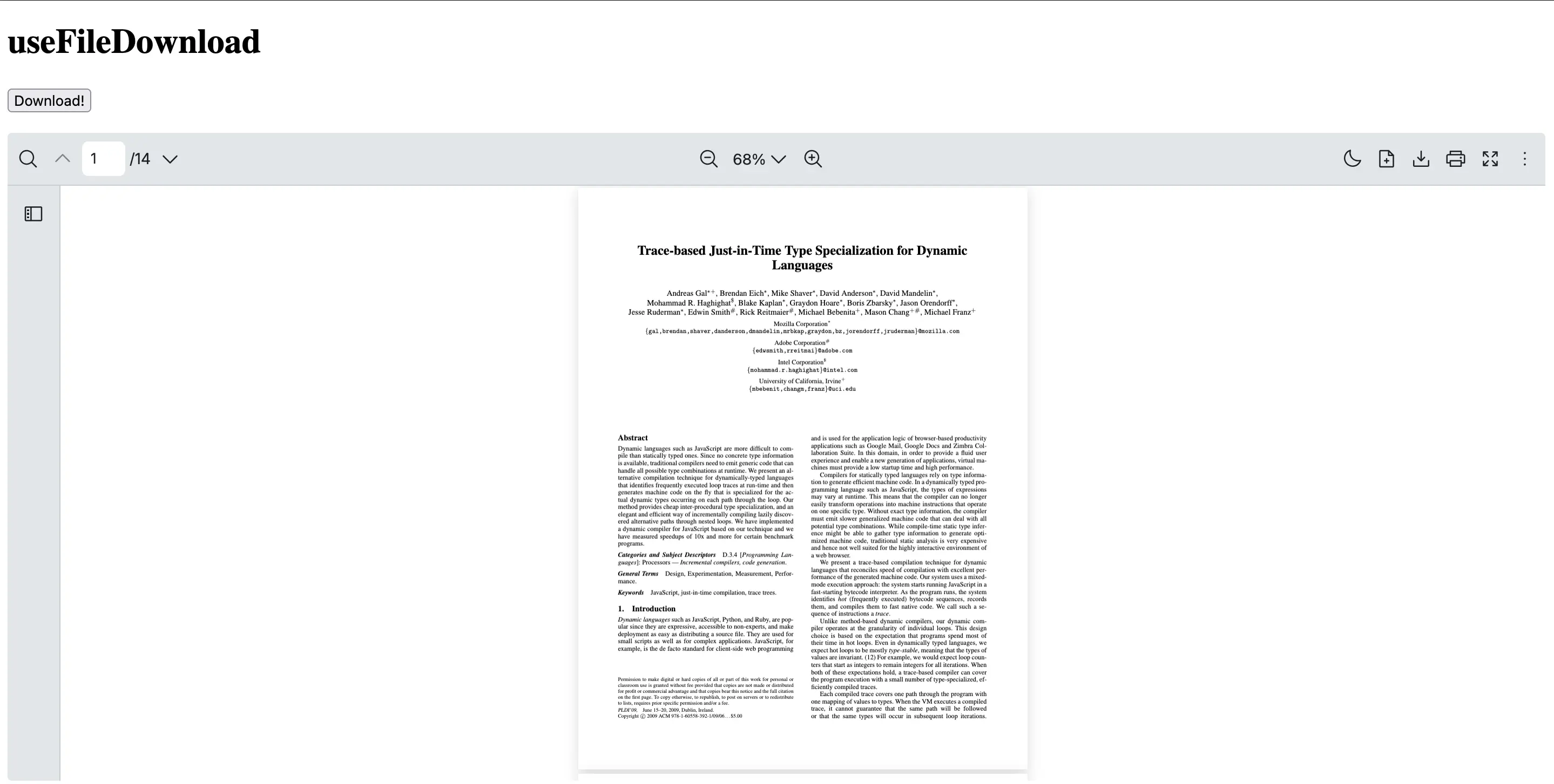
This example shows how to create a CustomDownloadButton component in React PDF which uses useFileDownload hook to handle file downloads.
import { RPConfig, RPProvider, RPPages, RPLayout, useFileDownload } from '@react-pdf-kit/viewer'
const CustomDownloadButton = () => {  const { download } = useFileDownload()  return (    <div>      <button onClick={download}>Download!</button>    </div>  )}
export const AppPdfViewer = () => {  return (    <RPConfig licenseKey="YOUR_DOMAIN_TOKEN">      <RPProvider src="https://raw.githubusercontent.com/mozilla/pdf.js/ba2edeae/web/compressed.tracemonkey-pldi-09.pdf">        <CustomDownloadButton />        <RPLayout toolbar>          <RPPages />        </RPLayout>      </RPProvider>    </RPConfig>  )}
import { RPConfig, RPProvider, RPPages, RPLayout, useFileDownload } from '@react-pdf-kit/viewer'import { type FC } from 'react'
const CustomDownloadButton: FC = () => { const { download } = useFileDownload() return ( <div> <button onClick={download}>Download!</button> </div> )}
export const AppPdfViewer: FC = () => { return ( <RPConfig licenseKey="YOUR_DOMAIN_TOKEN"> <RPProvider src="https://raw.githubusercontent.com/mozilla/pdf.js/ba2edeae/web/compressed.tracemonkey-pldi-09.pdf"> <CustomDownloadButton /> <RPLayout toolbar> <RPPages /> </RPLayout> </RPProvider> </RPConfig> )}